
Few things inflict more immediate financial damage on a Pakistani business than critical transactional emails silently dropping into client spam folders.
Imagine sending a Rs 4.5 million corporate quotation or an urgent client onboarding invoice from sales@yourcompany.pk, only for Gmail to flag your message with a terrifying red banner:
“Be careful with this message. Gmail could not verify that it actually came from yourcompany.pk.”
Or worse, Microsoft Outlook and Office 365 quietly discard your emails into the quarantine abyss without delivering a bounce notification.
In 2024 and 2026, Google and Yahoo enacted strict sender requirements that permanently broke sloppy, default email configurations. Sending business emails from a basic shared hosting IP without cryptographic verification is effectively email suicide.
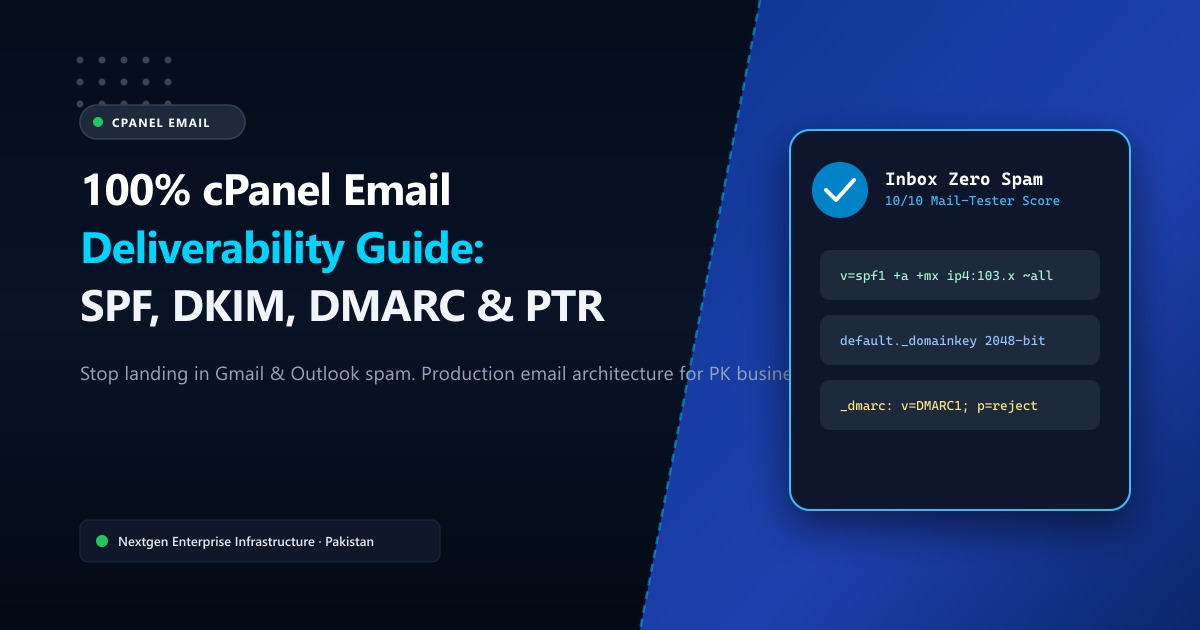
In this guide, we will dissect how to configure cPanel, Exim, and DNS zone files to achieve a flawless 10/10 deliverability score on Mail-Tester, ensuring your emails land directly in the primary inbox every single time.
🧭 The 4 Pillars of Modern Email Deliverability
Before diving into cPanel settings, understand the four cryptographic checks every incoming mail transfer agent (MTA) runs before accepting an email:
| Security Protocol | Purpose | Where It Is Configured | Common Pakistani Failure Mode |
|---|---|---|---|
| SPF (Sender Policy Framework) | Declares which server IP addresses are authorized to send mail for your domain. | DNS TXT Record | Hardcoding a dynamic broadband IP or omitting relay gateways. |
| DKIM (DomainKeys Identified Mail) | Digitally signs outgoing messages with an asymmetric cryptographic key pair. | cPanel + DNS TXT Record | Using deprecated 1024-bit keys or missing DNS public keys. |
| DMARC (Domain-based Message Authentication) | Instructs receiving servers what to do when SPF or DKIM fails (none, quarantine, reject). |
DNS TXT Record | Leaving policy at p=none or omitting DMARC entirely. |
| Reverse DNS (rDNS / PTR) | Proves that the sending IP address mathematically resolves back to your mail server’s hostname. | Hosting Provider / Datacenter | Shared hosting IPs with generic ISP hostnames (e.g., static-ip-103.ptcl.net). |
🛠️ Step 1: Generating 2048-bit DKIM in cPanel
DKIM adds an encrypted digital signature header (DKIM-Signature) to every outgoing email. The receiving mail server queries your domain’s DNS for the public key to verify that the email was not spoofed or modified in transit.
How to Enable DKIM in cPanel:
- Log into your cPanel account.
- Navigate to Email ➔ Email Deliverability.
- Locate your primary domain name and click Manage.
- Under the DKIM section, click Enable (or Install if not present).
- cPanel will generate a public key record with the selector
default._domainkey.
[!IMPORTANT] If your domain’s authoritative DNS is managed outside cPanel (such as on Cloudflare, Namecheap, or Nextgen DNS), copy the exact
Name(default._domainkey.yourdomain.pk) and the entireValuestring (beginning withv=DKIM1; k=rsa; p=MIIBIjANBgkq...) and paste it as a TXT Record in your DNS provider.
🛡️ Step 2: Crafting a Production-Grade SPF Record
A typical broken SPF record in Pakistan looks like this:
v=spf1 +a +mx ~allWhile this allows the domain’s A and MX servers to send mail, it fails if your marketing automation, CRM, or transactional website relays mail through an external IP or secondary server.
The Bulletproof SPF Syntax:
v=spf1 ip4:YOUR_SERVER_IP include:relay.nextgen.pk ~allip4:YOUR_SERVER_IP: Explicitly authorizes your VPS or dedicated server’s dedicated IPv4 address.~all(SoftFail) vs-all(HardFail): When initially testing, keep~all. Once you have verified all legitimate sending services are declared, change to-allto strictly instruct Gmail and Yahoo to reject spoofed impersonations.
[!TIP] Never create multiple SPF TXT records for a single domain! RFC 7208 strictly states that a domain with more than one SPF record will result in a
PermError, causing recipient mail servers to treat your mail as untrusted. Combine all includes into a single record.
🚦 Step 3: Enforcing a Strict DMARC Policy
DMARC ties SPF and DKIM together. Without DMARC, a spammer can send phishing emails with your company name in the visual “From” address, bypassing SPF checks because SPF only validates the envelope Return-Path.
Create a TXT record with host _dmarc.yourdomain.pk:
1. Monitoring Stage (Week 1):
v=DMARC1; p=none; sp=none; rua=mailto:dmarc-reports@yourdomain.pk; pct=100;This tells recipients: “Do not block failures yet, but send daily XML aggregate reports (rua) showing who is sending email using my domain.”
2. Full Quarantine & Reject Stage (Week 2+):
Once reports confirm your legitimate emails pass SPF and DKIM:
v=DMARC1; p=reject; sp=reject; rua=mailto:dmarc-reports@yourdomain.pk; adkim=s; aspf=s;Now, any spammer attempting to spoof info@yourcompany.pk will be instantly discarded at the perimeter of Gmail and Microsoft servers.
🌐 Step 4: The Clean IP & Reverse DNS (PTR) Requirement
You can have perfect SPF, DKIM, and DMARC records, but if your sending IP lacks a valid matching PTR record, Microsoft Outlook and Yahoo will drop your email into Spam immediately.
What is Reverse DNS?
Forward DNS maps a hostname to an IP (mail.yourdomain.pk ➔ 103.151.111.45). Reverse DNS maps the IP back to the exact hostname (103.151.111.45 ➔ mail.yourdomain.pk).
On budget shared hosting, hundreds of websites share the same outbound mail IP. If a single compromised WordPress website on that server sends spam, the entire IP gets blacklisted on Spamhaus, Barracuda, and SORBS.
This is why serious corporate businesses, e-commerce stores, and software agencies host their email on isolated Cloud VPS in Pakistan or enterprise Dedicated Servers in Pakistan.
With dedicated infrastructure:
- You receive a 100% clean, dedicated IP that has never been abused.
- Nextgen’s datacenter engineering team sets custom rDNS (PTR) records matching your exact mail hostname (
mail.yourdomain.pk). - Your server’s Exim mail transfer agent presents a matching HELO/EHLO greeting banner during SMTP handshakes.
📚 Related Technical Architecture Guides & Reading
- How to Fix Slow DNS Lookups & Optimize Resolution Latency – Resolve DNS latency, tune TTLs, and eliminate lookups that slow down mail servers.
- cPanel Hosting Complete Masterclass Guide – Managing databases, file permissions, and LiteSpeed web server configurations.
- Enterprise Email Infrastructure & Deliverability Architecture – Setting up multi-node mail clusters, exim transport rules, and spam filters.
Deploy Dedicated Business Email Servers with Clean IPs in Pakistan
Stop losing clients to spam folders. Upgrade to Nextgen managed business email hosting or bare-metal dedicated servers with pristine IP reputation, automated PTR records, and 24/7 deliverability monitoring in Tier-3 Islamabad datacenters.
