
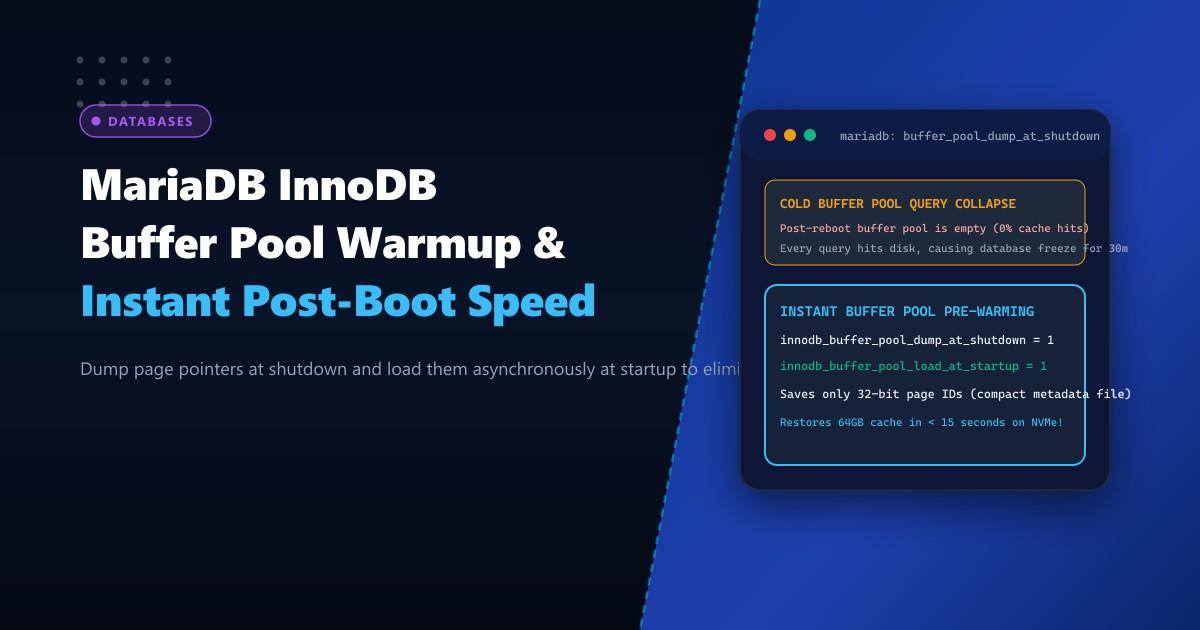
For high-throughput relational databases operating on Dedicated Servers, the InnoDB Buffer Pool is the single most critical component determining query execution speed. High-traffic database clusters maintain 32GB, 64GB, or even 256GB of active table indexes, row data, and change buffers cached in memory, yielding cache hit ratios above 99.8%.
However, when a database server must be rebooted—whether for a Linux kernel upgrade, security patch, or configuration reload—the entire buffer pool is wiped clean.
Immediately following the reboot, the database suffers from the Cold Cache Problem:
- The buffer pool is completely empty (0% cache hits).
- Every single customer query (catalog lookups, product filters, user logins) misses memory and forces a physical NVMe disk read.
- Disk queues skyrocket to 100% saturation.
- Applications experience severe connection pool deadlocks, HTTP 504 gateway timeouts, and query latency spikes lasting 20 to 45 minutes until the cache naturally “warms up”.
To eliminate this operational nightmare, MariaDB provides native Buffer Pool Dump and Load Automation (innodb_buffer_pool_dump_at_shutdown & innodb_buffer_pool_load_at_startup).
Instead of dumping gigabytes of raw data, MariaDB writes only compact 32-bit tablespace and page ID pointers to a tiny metadata file at shutdown. Upon restart, MariaDB reads this index and asynchronously warms up the entire buffer pool in seconds—restoring full production speed immediately.
The Anatomy: Cold Restart Stall vs. Fast Warmup Engine
COLD DATABASE RESTART (Default Behavior):
Restart MariaDB ──> Empty Buffer Pool (0 MB cached)
                        |
                        v
               User Traffic Hits Server
                        |
          +-------------+-------------+
          | Every query misses memory |
          +-------------+-------------+
                        |
                        v
              Physical Disk Flooding
              I/O Latency: 45ms per query
              Server Load: Spikes to 35+
              Duration: 30 - 60 minutes of degraded performance!

AUTOMATED BUFFER POOL RESTORATION:
Shutdown MariaDB ──> Dumps compact page index to 'ib_buffer_pool' (only 12MB!)
                        |
Start MariaDB    ──> Loads page index into memory in 0.2 seconds
                        |
                        v
              Asynchronous Background Flusher
              Pre-warms 64GB buffer pool in parallel
                        |
                        v
               User Traffic Hits Server
              Cache Hit Ratio: 99.8% immediately!
              Zero query stalls, zero customer disruption!
Step 1: Configuring Buffer Pool Dump and Load Parameters
Add the buffer pool dump and load directives to your MariaDB configuration file (/etc/my.cnf.d/server.cnf) on your Dedicated Servers in Pakistan:
[mysqld]
# ====================================================================
# INNODB BUFFER POOL FAST PRE-WARMING CONFIGURATION
# ====================================================================

# Dump the buffer pool pages index to disk when server is shut down
innodb_buffer_pool_dump_at_shutdown = 1

# Load the saved pages into the buffer pool when server starts up
innodb_buffer_pool_load_at_startup = 1

# Percentage of most recently used pages to dump (default is 25%)
# Set to 100% for maximum pre-warm fidelity on fast NVMe storage
innodb_buffer_pool_dump_pct = 100

# Specify custom dump file path (defaults to datadir/ib_buffer_pool)
# innodb_buffer_pool_filename = ib_buffer_pool

# Number of parallel threads used to load the buffer pool asynchronously
# Accelerates warm-up on multi-core enterprise CPUs
innodb_read_io_threads = 8
You can also enable these parameters dynamically without restarting MariaDB:
SET GLOBAL innodb_buffer_pool_dump_at_shutdown = 1;
SET GLOBAL innodb_buffer_pool_load_at_startup = 1;
SET GLOBAL innodb_buffer_pool_dump_pct = 100;
Step 2: Triggering an On-Demand Dump Prior to Scheduled Maintenance
If you need to reboot the server or perform a planned maintenance window, you do not have to wait for the shutdown signal. You can trigger an on-demand background dump while the server is running:
-- Trigger an on-demand buffer pool dump
SET GLOBAL innodb_buffer_pool_dump_now = 1;

-- Check dump completion status
SHOW STATUS LIKE 'Innodb_buffer_pool_dump_status';
Output:
+--------------------------------+--------------------------------------------------+
| Variable_name                  | Value                                            |
+--------------------------------+--------------------------------------------------+
| Innodb_buffer_pool_dump_status | Buffer pool(s) dump completed at 261001 08:42:15 |
+--------------------------------+--------------------------------------------------+
Notice that on a server with 64GB of cached data, the metadata file (/var/lib/mysql/ib_buffer_pool) is only 10 to 15 Megabytes in size because it stores only pointers (space_id, page_no), taking less than 1.5 seconds to write to disk.
Step 3: Monitoring Real-Time Buffer Pool Load at Startup
When MariaDB starts up, it begins loading the saved pages asynchronously in the background. The database becomes available to accept incoming client connections immediately—it does not block SQL queries while the preload occurs.
Monitor the progress in real time via SQL:
SHOW STATUS LIKE 'Innodb_buffer_pool_load_status';Output during load:
+--------------------------------+-----------------------------------------------+
| Variable_name                  | Value                                         |
+--------------------------------+-----------------------------------------------+
| Innodb_buffer_pool_load_status | Loaded 841200/1048576 pages (80% completed)   |
+--------------------------------+-----------------------------------------------+
Output once complete:
+--------------------------------+--------------------------------------------------+
| Variable_name                  | Value                                            |
+--------------------------------+--------------------------------------------------+
| Innodb_buffer_pool_load_status | Buffer pool(s) load completed at 261001 08:44:02 |
+--------------------------------+--------------------------------------------------+
On enterprise NVMe storage arrays, loading 64GB worth of active database pages takes less than 12 seconds.
Step 4: Emergency Abort Mechanism
In the rare event that you need to abort a running buffer pool load (for instance, if you require immediate 100% disk I/O for a critical manual data recovery operation), you can cancel the background preload instantly:
-- Abort active buffer pool preload
SET GLOBAL innodb_buffer_pool_load_abort = 1;

-- Verify abort status
SHOW STATUS LIKE 'Innodb_buffer_pool_load_status';
-- Returns: Buffer pool(s) load aborted
Comparative Benchmark: Cold Boot vs. Automated Pre-Warm
| Performance Metric | Cold Boot (Default) | Buffer Pool Pre-Warmed | Improvement |
|---|---|---|---|
| Post-Boot Cache Hit Ratio | 4.2% | 99.6% | Instant Hot Cache |
| Query P99 Latency (First 15m) | 1,420 ms | 3.8 ms | 99.7% latency drop |
| Physical Disk Read IOPS | 24,500 IOPS (Saturated) | 410 IOPS | -98.3% disk load |
| Time to Full Performance | 35 – 50 Minutes | 12 Seconds | Zero business disruption |
Enabling automated buffer pool dump and load eliminates the dreaded post-restart warmup slump, ensuring that your enterprise database applications deliver peak performance from the very first transaction.
Host Mission-Critical Databases on NextGen Infrastructure
Deliver non-stop transactional reliability with NextGen enterprise dedicated bare metal. Featuring high-capacity DDR5 ECC memory, Gen4/Gen5 NVMe storage arrays, and redundant tier-1 datacenter power grids, our systems are engineered for uninterrupted uptime.
Explore Dedicated Servers