
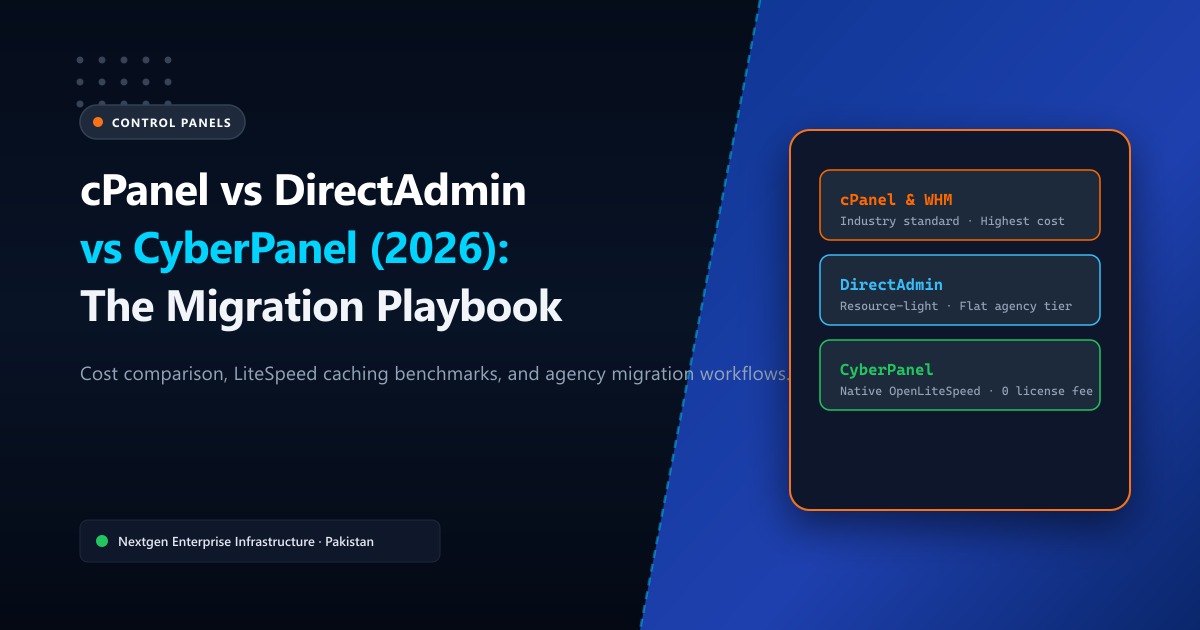
Ever since Oakley Capital acquired cPanel and instituted per-account licensing models, the economics of running a shared hosting company, web development agency, or multi-site WordPress portfolio in Pakistan changed overnight.
What used to be a predictable $30/month flat server license can now cost $100 to $300+ monthly as your client roster grows. Factoring in Pakistani Rupee currency exchange rates and bank withholding taxes on foreign SaaS payments, hosting providers and software houses are actively looking for cost-effective, high-performance alternatives.
The two strongest contenders in the hosting arena are DirectAdmin (the rock-solid, resource-light enterprise veteran) and CyberPanel (the open-source, OpenLiteSpeed-native disruptor).
In this comprehensive guide, we pit cPanel, DirectAdmin, and CyberPanel head-to-head in real-world benchmarks, analyze resource footprints, evaluate security postures, and provide an automated step-by-step cPanel-to-DirectAdmin migration playbook.
🥊 The Feature & Cost Matrix: cPanel vs. DirectAdmin vs. CyberPanel
| Evaluation Metric | cPanel / WHM | DirectAdmin | CyberPanel |
|---|---|---|---|
| Licensing Cost | High (Per-account tiers: $22–$60+/mo). Escalates quickly with scale. | Low to Moderate (Flat $15–$29/mo for unlimited accounts). | Free Open Source (Optional paid Enterprise OpenLiteSpeed plugins). |
| Base Memory Footprint | ~1.8 GB – 2.5 GB RAM idle | ~350 MB – 600 MB RAM idle | ~800 MB – 1.2 GB RAM idle |
| Default Web Server | Apache (LiteSpeed requires paid license). | CustomBuild (Apache, Nginx, LiteSpeed, Reverse Proxy). | OpenLiteSpeed (Native) out of the box with LSCache support. |
| cPanel Migration Tool | Native backup restore only. | Automated cPanel-to-DA converter built into admin GUI. | Basic cPanel backup importer (can require manual database fixes). |
| User Interface | Highly polished, familiar to 95% of retail end users. | Clean, modern “Evolution” skin (intuitive for power users). | Custom modern Vue.js/Django dashboard. |
| Backup Infrastructure | JetBackup, cPanel native (S3, FTP, local). | Built-in Admin Backup/Transfer + incremental S3 support. | Native incremental remote backups to Google Drive and AWS S3. |
| DNS Clustering | cPanel DNSOnly (Free standalone nodes). | DirectAdmin Multi-Server DNS clustering. | CyberPanel PowerDNS integration. |
🔍 Deep-Dive Breakdown: Which One Should You Choose?
1. cPanel: The Undisputed Retail Champion
If you run a retail web hosting business where non-technical customers demand the exact icon layout they have used for the past 15 years, cPanel remains difficult to dethrone. Its ecosystem of Softaculous installers, automated SSL issuance, and deep WHMCS integration is second to none.
However, cPanel’s heavy background daemon overhead means running it on a 1 GB or 2 GB RAM VPS leads to sluggish response times and frequent Out-Of-Memory (OOM) killer incidents.
2. DirectAdmin: The Pragmatic Enterprise Workhorse
DirectAdmin has become the primary destination for hosting providers abandoning cPanel.
Key advantages include:
- Rock-Solid Stability: Written in lightweight compiled C++, DirectAdmin uses a fraction of the RAM consumed by cPanel.
- CustomBuild Modularity: Easily switch between Apache, Nginx, reverse-proxy Apache+Nginx, or OpenLiteSpeed with a single terminal command.
- Predictable Billing: Pay a fixed monthly price regardless of whether you host 50 accounts or 5,000 accounts on your server.
Deploying DirectAdmin on high-speed Cloud VPS in Pakistan allows Pakistani agencies to deliver blisteringly fast client site loading speeds while cutting control panel licensing overhead by over 70%.
3. CyberPanel: The OpenLiteSpeed Speed Machine
CyberPanel was built from day one to harness the raw event-driven power of OpenLiteSpeed.
If your agency specializes almost exclusively in high-traffic WordPress websites, WooCommerce portals, and LMS platforms, CyberPanel is remarkably appealing:
- Native LiteSpeed Cache (LSCache) server-level caching out of the box with zero commercial server license fees.
- Handles massive concurrent traffic spikes with minimal CPU utilization.
- Built-in Git deployment and staging environments for modern developers.
The tradeoff? CyberPanel has a smaller third-party ecosystem and occasional edge-case quirks during complex multi-domain mail configurations compared to the maturity of DirectAdmin and cPanel.
🔄 Automated Step-by-Step Migration from cPanel to DirectAdmin
DirectAdmin includes a native conversion utility that ingests standard cPanel backup archives (backup-*.tar.gz) and seamlessly extracts domains, MySQL databases, email accounts, and SSL certificates:
Step 1: Generate Full Backups on cPanel
From your cPanel WHM root terminal or user account, run:
/usr/local/cpanel/scripts/pkgacct username /home/cpmove_backupsThis produces a complete archive file: /home/cpmove_backups/cpmove-username.tar.gz.
Step 2: Transfer Backups to Your DirectAdmin Server
Transfer the archive directly over the private datacenter network via rsync:
rsync -avzP -e "ssh -p 22" /home/cpmove_backups/cpmove-username.tar.gz root@your-directadmin-server.pk:/home/admin/user_backups/Step 3: Restore Accounts via DirectAdmin CLI or GUI
SSH into your DirectAdmin server and invoke the automated migration restoration:
# Set proper file permissions for the backup archive
chown admin:admin /home/admin/user_backups/cpmove-username.tar.gz

# In DirectAdmin Admin Panel:
# Navigate to: Admin Tools ➔ Backup / Transfer Manager ➔ Restore
# Select the cpmove archive and click 'Restore Selected Accounts'
DirectAdmin automatically translates cPanel virtual host directives, imports all MySQL databases with original usernames/passwords, migrates all Maildir email folders, and reinstalls Let’s Encrypt SSL certificates without user intervention!
🚀 Infrastructure Matters More Than the Panel
A control panel is simply a management interface. The actual performance, TTFB (Time to First Byte), and concurrent visitor capacity of your websites depend entirely on the underlying server hardware and datacenter routing.
Running even the best control panel on congested, overseas shared hosting will always result in slow page loads for visitors across Karachi, Lahore, and Islamabad.
For mission-critical production websites, deploying your chosen panel on Nextgen bare-metal Dedicated Servers or high-IOPS NVMe VPS instances ensures:
- Direct Pakistan Internet Exchange (PkIX) peering for sub-15ms domestic ping times.
- Enterprise Gen4/Gen5 NVMe storage arrays delivering over 700,000 IOPS.
- Complete isolation from noisy neighbors and zero shared CPU throttling.
📚 Related Technical Architecture Guides & Reading
- cPanel Hosting Complete Masterclass Guide – Essential configurations for database optimization, cron jobs, and PHP extensions.
- LiteSpeed Cache & Redis Object Caching for WordPress – Accelerate dynamic CMS performance with in-memory caching.
- How to Achieve 100% cPanel Email Deliverability: SPF, DKIM & DMARC – Stop business emails from landing in client spam folders.
Deploy DirectAdmin & CyberPanel Servers on High-Speed NVMe in Pakistan
Slash control panel licensing costs while doubling site performance. Nextgen provides turnkey Cloud VPS and dedicated bare-metal servers pre-configured with your choice of cPanel, DirectAdmin, or CyberPanel in Tier-3 Islamabad datacenters.
