
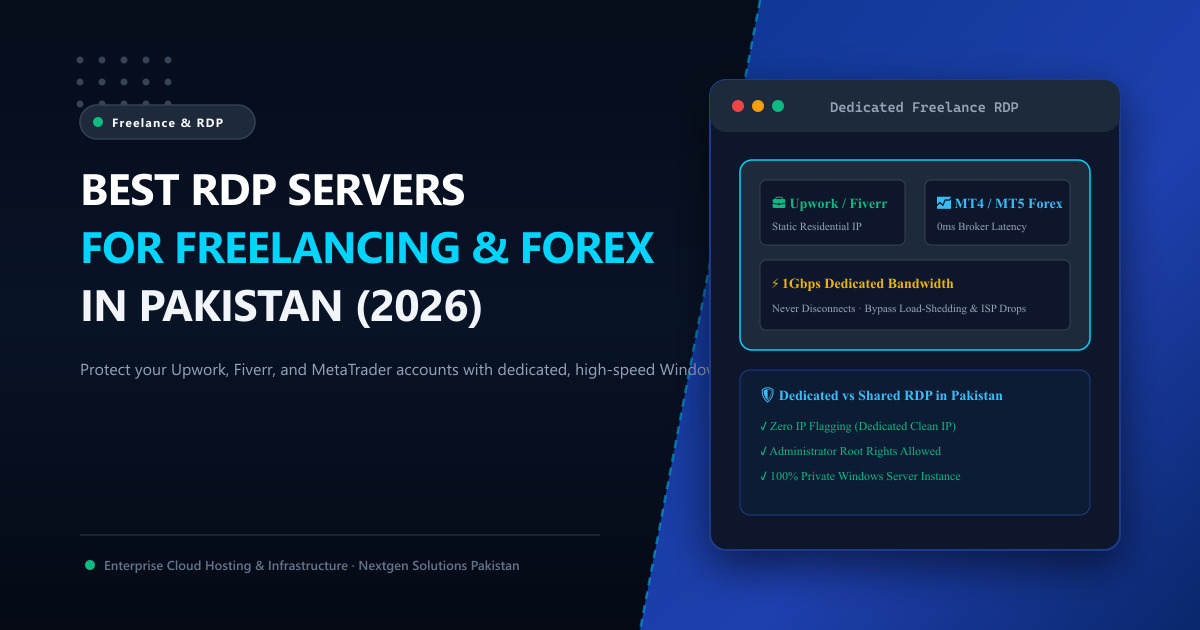
For hundreds of thousands of Pakistani software engineers, digital marketers, graphic designers, and forex algorithmic traders, remote connectivity is their financial lifeline.
However, operating a remote freelancing or trading business directly from a domestic Pakistani broadband connection comes with severe, persistent hazards:
- Unpredictable ISP Disconnections: Unexpected fiber cuts, nationwide submarine cable disruptions, and sudden power load-shedding can knock your workstation offline in the middle of a high-stakes client submission or live market trade.
- Account Flagging & Suspensions: Platforms like Upwork, Fiverr, Stripe, PayPal, and eBay track login IP consistency. If your dynamic home IP jumps between different geographic ISP subnets twice a day, automated anti-fraud security bots will permanently suspend your account.
- Forex Execution Slippage: Trading MetaTrader 4 (MT4) or MetaTrader 5 (MT5) from an Islamabad broadband line adds 140ms to 220ms of network latency to European or US broker execution bridges, costing thousands of dollars in execution slippage.
The standard solution adopted by top-earning Pakistani freelancers is a Dedicated Windows Remote Desktop Protocol (RDP) Server.
In this comprehensive 2026 buyer’s guide, we break down what makes an RDP suitable for freelancing, expose the fatal risks of budget “shared RDPs”, and show you how to select the right server configuration.
🖥️ What is an RDP and How Does It Work?
A Remote Desktop Protocol (RDP) server is a high-speed virtual or dedicated Windows Server running inside a Tier-3 enterprise datacenter that you can access remotely from your local PC, MacBook, iPad, or Android phone.
When you connect via Microsoft Remote Desktop:
- Your local device only sends keystrokes and mouse movements.
- The remote server executes all software, web browsing, downloads, and rendering on a blistering 1Gbps or 10Gbps unthrottled fiber port.
- Your internet identity displays the static, enterprise IP address of the datacenter, completely masking domestic broadband inconsistencies.
⚠️ The Danger of “Cheap Shared RDPs” for Upwork & Fiverr
When searching online, you will find vendors selling “Shared RDPs” for Rs 500 to Rs 1,000 per month. Using a shared RDP for freelancing or financial transactions is financial Russian roulette.
Here is what happens behind the scenes of a shared RDP:
- 30 to 50 Users on One IP: The provider crams dozens of strangers onto the same Windows Server instance. If one user engages in scraping, spamming, or fraudulent activity, the server’s IP address gets blacklisted across Cloudflare, Google, Upwork, and banking networks.
- Account Association Triggers: If another user on that shared server has their Upwork or PayPal account banned, the security algorithms link your account to the exact same hardware fingerprint and MAC/IP identity, triggering an automatic cascading ban on your profile!
- Zero Privacy & No Admin Rights: You do not receive administrator credentials. Other users can view running processes, and server reboots occur without warning.
The Rule for Pakistani Freelancers:
Always insist on a Dedicated Windows RDP / VPS where you are assigned:
- A 100% Private, Dedicated Static IPv4 Address that is used by you and you alone.
- Full Administrator / Root access to install your own licensed software, extensions, and automated bots.
- Dedicated physical CPU and RAM resources that never slow down.
📈 Dedicated RDP vs. Shared RDP Comparison Matrix
| Feature | Cheap Shared RDP (Risk of Ban) | Nextgen Dedicated Windows RDP |
|---|---|---|
| IP Address Type | Shared with dozens of unknown users | 100% Dedicated, Clean Static IP |
| Freelance Account Safety | ❌ Extreme risk of cascading account ban | ✅ 100% Safe (Consistent Static Fingerprint) |
| User Rights | Standard User (No admin rights) | ✅ Full Windows Administrator Privileges |
| Forex EA / MT4 / MT5 Support | ❌ Unreliable (Frequent unannounced reboots) | ✅ 24/7/365 Non-Stop Execution (99.99% Uptime) |
| Internet Port Speed | Heavily throttled shared 100Mbps | ✅ 1Gbps to 10Gbps Unthrottled Port |
| Data Privacy | ❌ Other users can inspect shared processes | ✅ Isolated KVM Hardware Container |
📊 Selecting the Right RDP Specs for Your Workload
Not all workloads require massive computing power. Match your hardware specs to your specific daily tasks:
1. The Freelance & Multi-Account Tier (2 to 4 vCPUs / 4 GB - 8 GB RAM)
- Workloads: Upwork, Fiverr, Google Workspace, multi-tab Chrome browsing, Canva, remote client presentation calls.
- Key Requirement: Clean static IP, fast NVMe storage for snappy browser responsiveness, and 24/7 background availability.
2. The Forex & Crypto Algorithmic Trader Tier (4 vCPUs / 8 GB - 16 GB RAM)
- Workloads: Running 4 to 8 instances of MetaTrader 4 / MetaTrader 5 with automated Expert Advisors (EAs), TradingView alerts, and Telegram signaling webhooks.
- Key Requirement: Ultra-low latency (<2ms) to major broker liquidity hubs in London (LD4) or Frankfurt (FR2), with zero reboot disruptions.
3. The Enterprise Agency & Rendering Tier (8+ vCPUs / 32 GB+ RAM)
- Workloads: Heavy 3D rendering (Blender, Cinema4D), continuous bulk video encoding (Adobe Premiere, FFmpeg), and high-frequency automated scraping.
- Key Requirement: Unshared bare-metal resources. For this scale, deploying custom Dedicated Servers in Pakistan or global Dedicated Servers ensures hardware CPU cores are never throttled.
🔒 3 Critical Steps to Harden Your Windows RDP
Once your dedicated RDP is provisioned:
- Change the Default RDP Port (3389): Automated scanning bots constantly probe port 3389. Change your listening port in the Windows Registry to a custom port (e.g.,
58422) to eliminate 99% of brute-force noise. - Enforce Network Level Authentication (NLA): Ensure NLA is enabled in Remote Desktop settings so that credentials must be authenticated before the Windows graphical login screen is rendered.
- Use Strong Cryptographic Passwords: Never use simple dictionary passwords. Generate a 24-character random password containing alphanumeric and special symbols.
For an exhaustive step-by-step walkthrough, refer to our sysadmin guide on How to Secure Windows RDP from Brute Force Attacks.
📚 Related Technical Architecture Guides & Reading
- Dedicated vs Shared RDP in Pakistan: The Visual Infographic Guide – Side-by-side comparison of account safety and isolation.
- Top 10 RDP Uses for Pakistani Remote Workers & Freelancers – How top remote earners leverage cloud workspaces.
- How to Secure RDP from Automated Port Scanners and Brute Force – Registry port changes, firewall rules, and IP whitelisting.
Deploy Dedicated Windows RDP & VPS Servers in Pakistan
Protect your freelance income and trade forex 24/7 without internet disconnects. Nextgen delivers high-performance Windows RDP instances with clean static IPs, full administrator rights, and 1Gbps unthrottled bandwidth in Tier-3 datacenters.
