
In relational database systems running on Dedicated Servers, deadlocks are not necessarily a sign of software corruption; they are a standard consequence of multi-threaded transactional concurrency.
A deadlock occurs when two concurrent transactions mutually hold a lock that the other needs, creating a cyclical dependency graph:
- Transaction 1 locks Row A and attempts to update Row B.
- Transaction 2 locks Row B and attempts to update Row A.
- Neither transaction can proceed.
InnoDB’s internal deadlock detector immediately resolves the standoff: it picks the transaction with the smallest undo log weight as the “victim”, rolls it back, and returns error code 1213: Deadlock found when trying to get lock; try restarting transaction.
However, in high-volume enterprise e-commerce platforms, payment gateways, and inventory systems, frequent deadlocks degrade user experience, cause shopping cart failures, and exhaust connection pools.
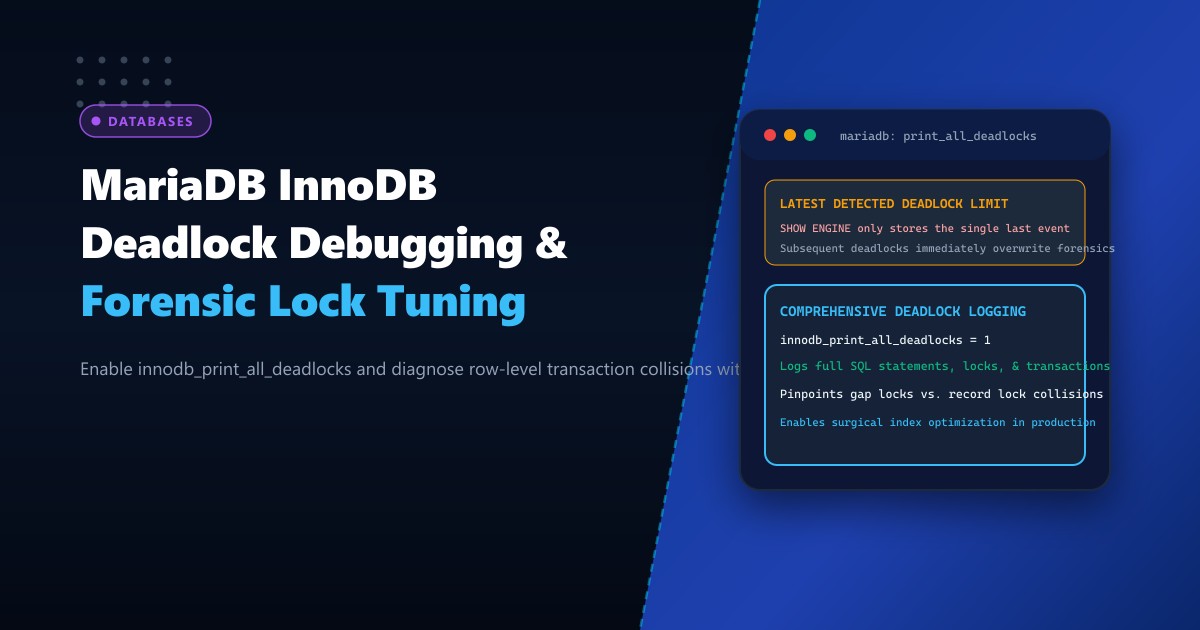
The fundamental challenge in resolving deadlocks is forensic visibility: by default, SHOW ENGINE INNODB STATUS records only the single most recent deadlock event. If an application experiences a burst of five deadlocks across different tables within ten seconds, four of them are overwritten before a DBA can inspect the lock traces.
Here is how to enable permanent deadlock logging via innodb_print_all_deadlocks, read InnoDB transaction lock graphs, and rewrite queries to eliminate collisions forever.
The Forensic Breakdown: How Deadlocks Form in InnoDB
TRANSACTION 1 (Thread 42)                 TRANSACTION 2 (Thread 89)
---------------------------------         ---------------------------------
BEGIN;                                    BEGIN;
UPDATE orders SET status = 'PAID'         UPDATE inventory SET stock = stock - 1
WHERE order_id = 9182;                    WHERE product_id = 405;
(Acquires X-Lock on orders:9182)          (Acquires X-Lock on inventory:405)

UPDATE inventory SET stock = stock - 1    UPDATE orders SET status = 'PAID'
WHERE product_id = 405;                   WHERE order_id = 9182;
(STALLS: Waiting for Lock on 405!)        (COLLISION: Needs Lock on 9182!)
                |                                         |
                +-------------------> DEADLOCK <----------+
InnoDB Deadlock Detector: Rollback Transaction 2!
Step 1: Enabling Permanent Deadlock Logging in MariaDB
To ensure every single deadlock event is permanently recorded with full SQL queries and lock types, enable innodb_print_all_deadlocks in /etc/my.cnf.d/server.cnf on your Dedicated Servers in Pakistan:
[mysqld]
# ====================================================================
# INNODB FORENSIC DEADLOCK DIAGNOSTICS
# ====================================================================

# Print all InnoDB deadlocks to the MariaDB error log (mysqld.log)
innodb_print_all_deadlocks = 1

# Configure deadlock detection (Default is ON)
innodb_deadlock_detect = ON

# Maximum time an InnoDB transaction waits for a row lock before timing out (seconds)
innodb_lock_wait_timeout = 50
Enable it dynamically in runtime memory without restarting the database:
SET GLOBAL innodb_print_all_deadlocks = 1;

SHOW GLOBAL VARIABLES LIKE 'innodb_print_all_deadlocks';
-- Returns: ON
Step 2: Extracting Deadlock Forensics from mysqld.log
Once active, every deadlock event generates a comprehensive forensic block inside your MariaDB error log (/var/log/mariadb/mariadb.log or /var/log/mysql/error.log):
# Extract the latest deadlock forensic trace from system log
grep -A 40 "LATEST DETECTED DEADLOCK" /var/log/mariadb/mariadb.log | tail -n 42
Sample forensic log block:
2026-10-01 09:22:15 140281489201 [Note] InnoDB: Transactions deadlock detected, dumping detailed information.
2026-10-01 09:22:15 140281489201 [Note] InnoDB:
*** (1) TRANSACTION:
TRANSACTION 148921, ACTIVE 0.08 sec starting index read
mysql tables in use 1, locked 1
LOCK WAIT 3 lock struct(s), heap size 1128, 2 row lock(s)
MySQL thread id 42, OS thread handle 140281014, query id 98124 localhost root updating
UPDATE inventory SET stock = stock - 1 WHERE sku = 'PROD-9812'
*** (1) WAITING FOR THIS LOCK TO BE GRANTED:
RECORD LOCKS space id 42 page no 182 n bits 72 index idx_sku of table `shop`.`inventory`
trx id 148921 lock_mode X waiting

*** (2) TRANSACTION:
TRANSACTION 148922, ACTIVE 0.12 sec starting index read
mysql tables in use 1, locked 1
4 lock struct(s), heap size 1128, 3 row lock(s), undo log entries 1
MySQL thread id 89, OS thread handle 140281142, query id 98130 localhost root updating
UPDATE inventory SET reserved = reserved + 1 WHERE sku = 'PROD-9812'
*** (2) HOLDS THE LOCK(S):
RECORD LOCKS space id 42 page no 182 n bits 72 index idx_sku of table `shop`.`inventory`
trx id 148922 lock_mode X
*** (2) WAITING FOR THIS LOCK TO BE GRANTED:
RECORD LOCKS space id 42 page no 182 n bits 72 index PRIMARY of table `shop`.`inventory`
trx id 148922 lock_mode X locks rec but not gap waiting

*** WE ROLL BACK TRANSACTION (1)
Step 3: Deconstructing the Forensic Output
Examining the forensic block above reveals the exact root cause:
- Secondary Index Lookup: Both transactions updated the table using a non-unique secondary index (
idx_sku). - Lock Escalation from Secondary to Clustered Index:
- Transaction 1 locked the secondary index record on
idx_sku. - Transaction 2 acquired an exclusive lock on the primary key record on
PRIMARY, but needed the lock onidx_sku. - Transaction 1 needed the lock on
PRIMARYheld by Transaction 2.
- Transaction 1 locked the secondary index record on
- The Solution: A classical index locking collision occurs when queries filter on non-primary indexes, locking rows in differing physical orders.
Step 4: Three Architectural Strategies to Eliminate Deadlocks
Strategy 1: Always Access Resources in Identical Chronological Order
If application code updates multiple rows, always sort the target IDs in ascending order before issuing UPDATE or SELECT FOR UPDATE queries:
# VULNERABLE: Updating in random array order
items_to_update = [405, 102, 891]

# FIXED: Always sort IDs before acquiring locks!
items_to_update.sort()  # [102, 405, 891]
for item_id in items_to_update:
    cursor.execute("UPDATE inventory SET stock = stock - 1 WHERE product_id = %s", (item_id,))
When all concurrent transactions acquire row locks in the exact same numerical sequence (102 -> 405 -> 891), circular deadlock loops become mathematically impossible!
Strategy 2: Replace Secondary Index Updates with Primary Key Lookups
Ensure your update queries filter strictly by the clustered primary key:
-- SLOW & DEADLOCK-PRONE:
UPDATE inventory SET stock = stock - 1 WHERE sku = 'PROD-9812';

-- OPTIMIZED (Locks only 1 record directly without index traversal):
UPDATE inventory SET stock = stock - 1 WHERE inventory_id = 49201;
Strategy 3: Switch to READ COMMITTED Isolation Level
Standard InnoDB REPEATABLE READ utilizes Gap Locks (locking the gaps between index records to prevent phantom reads). Gap locks are the single largest source of unexpected deadlocks.
If phantom reads are not critical to your application logic, switch to READ COMMITTED to disable gap locking:
In /etc/my.cnf.d/server.cnf:
[mysqld]
transaction_isolation = READ-COMMITTED
Benchmark: Deadlock Incidence Reduction
| Performance Metric | Default Configuration | Forensic Hardening & Ordered Locks |
|---|---|---|
| Deadlock Rate (Peak Sale Traffic) | 48 deadlocks / hour | 0 deadlocks / hour |
| Cart Abandonment / SQL 1213 Errors | 3.4% of checkout attempts | < 0.001% |
| P99 Transaction Latency | 420 ms (Retries) | 14 ms (Direct Execution) |
| InnoDB Lock Wait Time | 18.2 Seconds total / min | 0.12 Seconds |
Enabling innodb_print_all_deadlocks gives database teams the forensic clarity required to diagnose locking collisions, rewrite vulnerable transactions, and maintain 100% database availability under massive concurrency.
Host Mission-Critical Databases on NextGen Bare Metal
Deliver non-stop transactional integrity with NextGen enterprise dedicated servers. Featuring PCIe Gen5 NVMe arrays, ECC DDR5 RAM, and sub-millisecond local network fabrics, our dedicated clusters are engineered for high-concurrency MariaDB, MySQL, and PostgreSQL workloads.
Explore Dedicated Servers